Module 8 · Course
Canva design course
Learn to make professional posts, reels, ad creatives, logos and print designs in Canva — no design experience needed.
Canva course syllabus
Dashboard, elements, text, uploads and templates.
Alignment, spacing, hierarchy, colours and fonts.
Posts, carousels, stories and simple video edits.
Offer posts and ads that get clicks.
Logo, brand colours and fonts set once, reused.
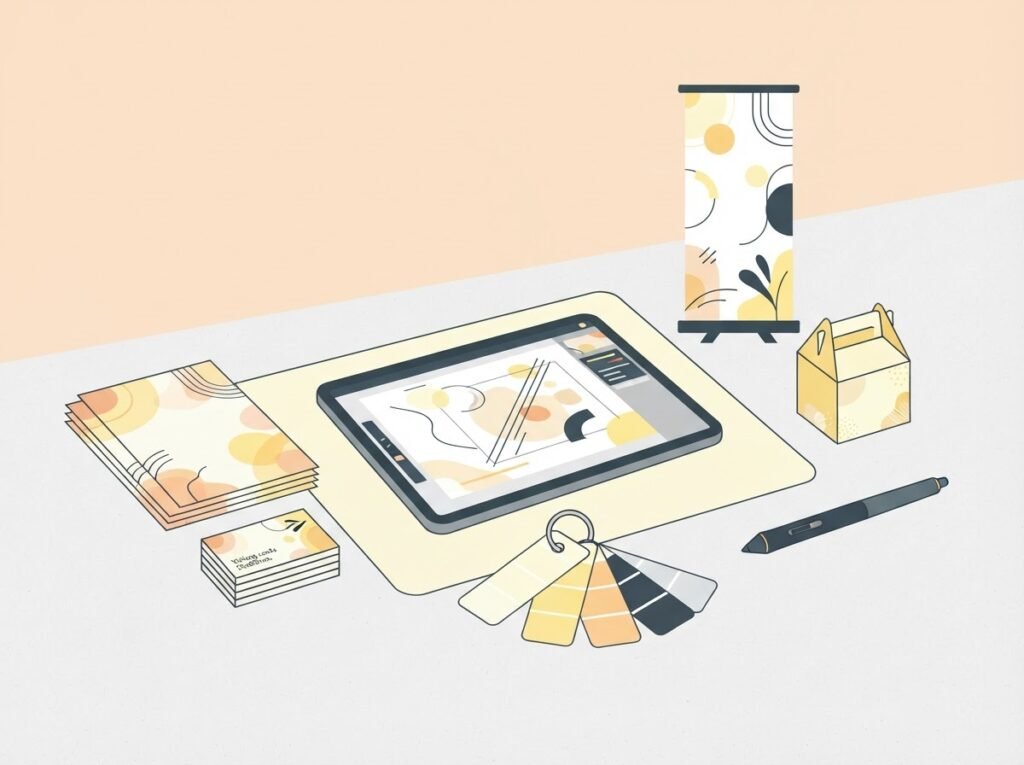
Flyers, cards, banners with bleed, plus Canva AI features.
Design it yourself
Business owners, social media managers, students and freelancers who want clean, professional designs.
- This module + 11 more
- Live practical classes
- Certificate
- WhatsApp doubt support
Want only this module? Ask on WhatsApp.
Canva course questions
Do I need Canva Pro?
You can start with free Canva. Pro features are shown so you know when they help.
Can I learn on my phone?
Canva works on phone and laptop; a laptop is easier for bigger designs.
Will I learn print designs?
Yes — flyers, visiting cards and banners with print-ready export.
Start designing in Canva
Join the complete digital marketing course for ₹10,000.